
Know the true profit of every unit you sell.
LivingRoom is a Windows desktop app for established Walmart and multi-marketplace sellers. It follows each product from the purchase order to the sale - landed cost, prep-center fees, transfers to Walmart Fulfillment Services, marketplace fees, refunds and advertising - and shows what you really earned.
Plans from $99 a month (Draft prices - to be confirmed.) Runs on your own Windows PC or office server. Version 2.0.0.
What the video shows
- Your business at a glance
- Purchase orders to your vendors
- Freight and duty, shared across every unit
- Receive at the prep center
- The prep center's invoice, allocated to the order
- The true landed cost of every unit
- Stock at the prep center and at Walmart WFS
- Your WFS count against Walmart's
- A paste-ready claim for the missing units
- Advertising spend, imported (Beta)
- Profit after every fee, refund and ad dollar
- And for every product
Built for the way marketplace sellers work
True landed cost per unit
The vendor's price, plus each unit's share of shipping, tax, duty and fees on the purchase order, plus the prep-center fees and their tax. Every sale takes its cost from your stock, first in first out or earliest expiry first.
Settlements matched to orders
Import Walmart's sales and settlement reports, or pull them with the Walmart API. Fees and refunds land on the order line they belong to; storage charges and reimbursements land in their period.
From purchase order to WFS
Purchase orders with costs and credits, receiving with lots and expiry dates, prep centers and warehouses, transfers in transit, Walmart WFS reconciliation and paste-ready WFS claims.
Your own customers too
Customers, sales orders, invoices, payments and receivables; vendor bills and payables. Wholesale and direct sales show up as their own channel in every report.
Reports that answer questions
Profit by product, vendor and channel, margin analysis, replenishment with the lead times you really get and your own seasons, a cash-flow warning, an executive summary and a Power BI feed.
Your data stays with you
Everything runs on your PC or your office server and is stored encrypted there. Daily backups, a backup password and an off-site copy. No usage statistics are sent.
See every feature or take the feature tour, from a purchase order to the true profit of a sale.
Your marketplaces
- Walmart - Marketplace API and report files
- Amazon - report files Beta
- eBay - report files Beta
- Etsy - files Beta
- Shopify - export files Beta
- Direct and wholesale customers
Signing in with your Walmart, Amazon, eBay, Etsy or Shopify account instead of copying API keys or downloading files is built and coming soon.
For one seller or a whole team
Office server
One PC keeps the data; the other PCs of your office connect to it over an encrypted connection on your private network. Nothing goes to the cloud.
Phone companion
The Dashboard, profit per product and stock lookup on a phone on your office network. Read only, and off until an Admin switches it on.
Local AI assistant Coming soon
Ask questions about your figures. The assistant runs on your PC, uses only figures the app computed and cannot change anything. Off by default.
Several companies
Each company with its own data, users and roles, in US dollars, Canadian dollars or Mexican pesos, and a global view across all of them.
See it
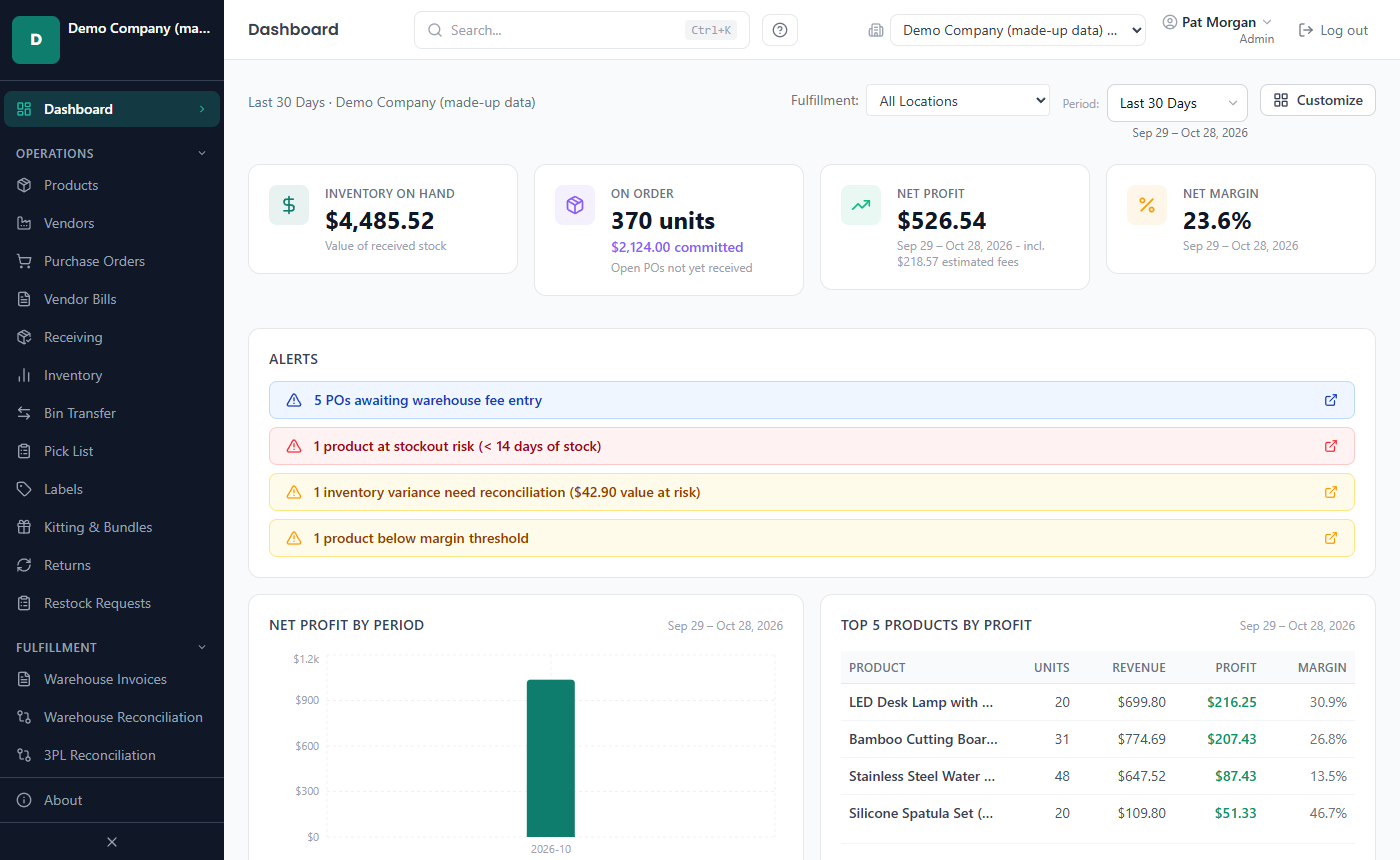
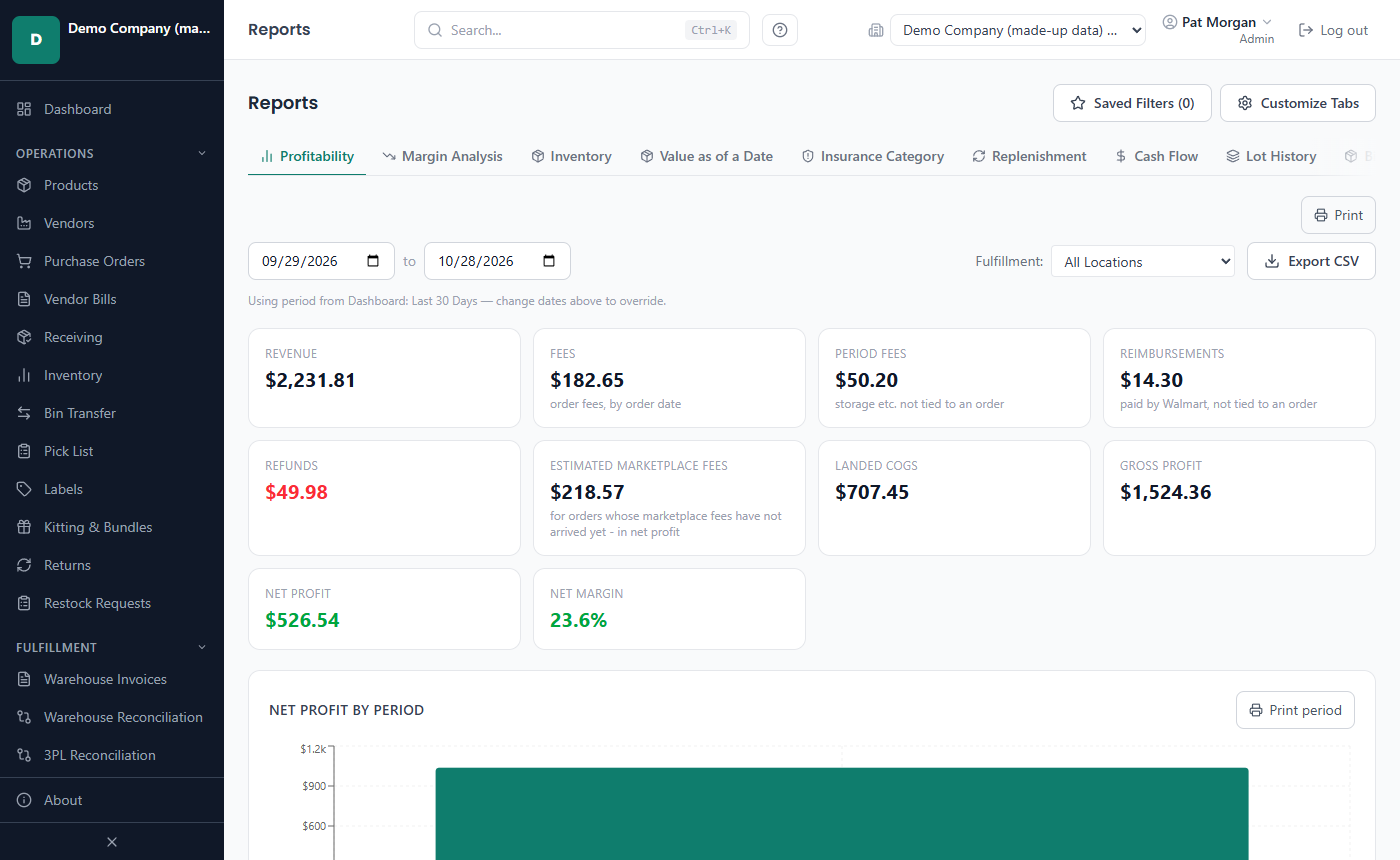
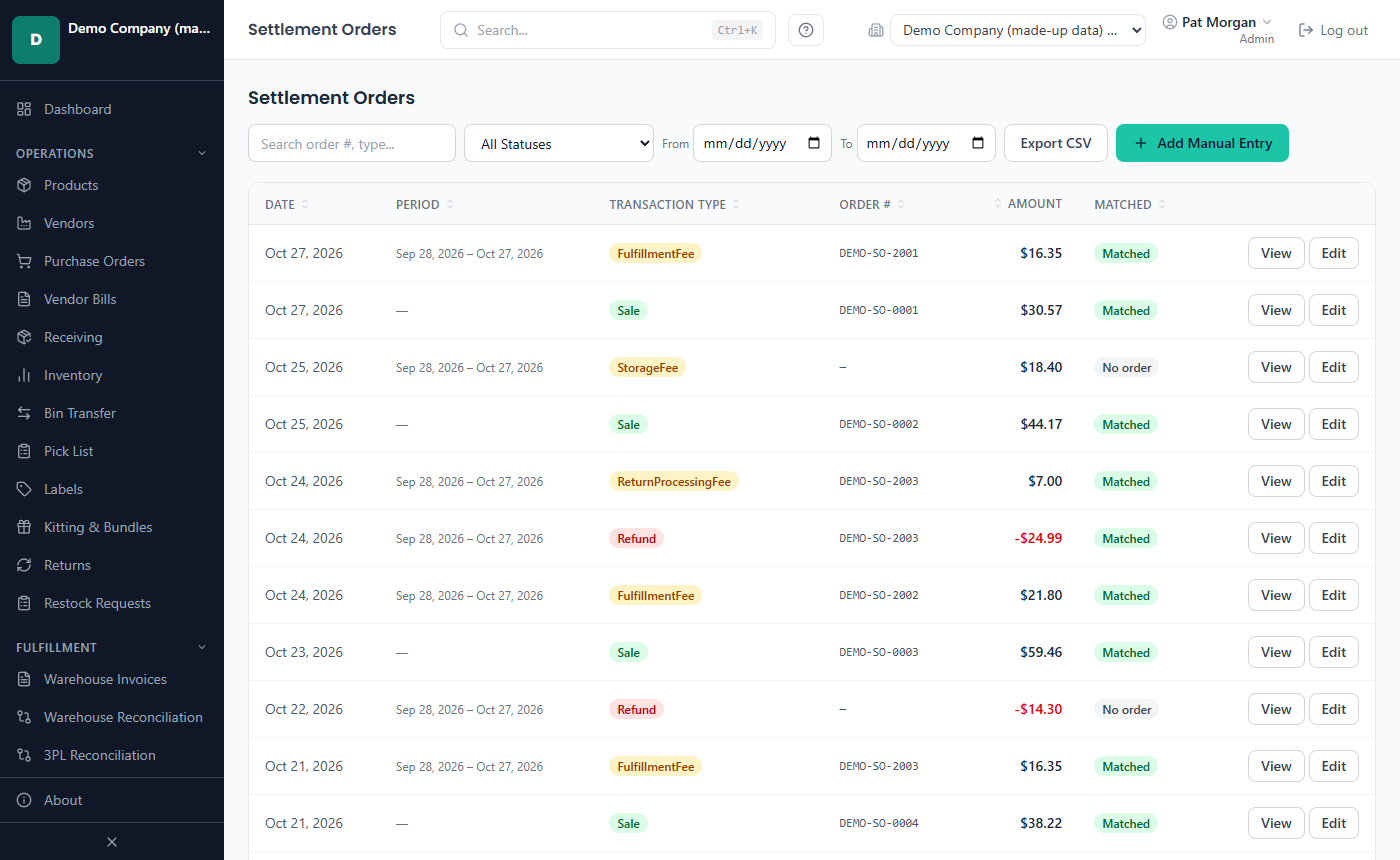
Screens of the app with made-up sample data. Select a screen to see it full size.
Short videos of the main steps, with the demo company's made-up data: true landed cost, from purchase order to receiving, WFS reconciliation and claims, profit per product and advertising spend.
Weighing it up? Compare LivingRoom with a hosted profit tracker or with a spreadsheet.
Try it for 30 days
Ask for a free 30-day trial key: we send it by e-mail, and you activate it in the app like any license key.